


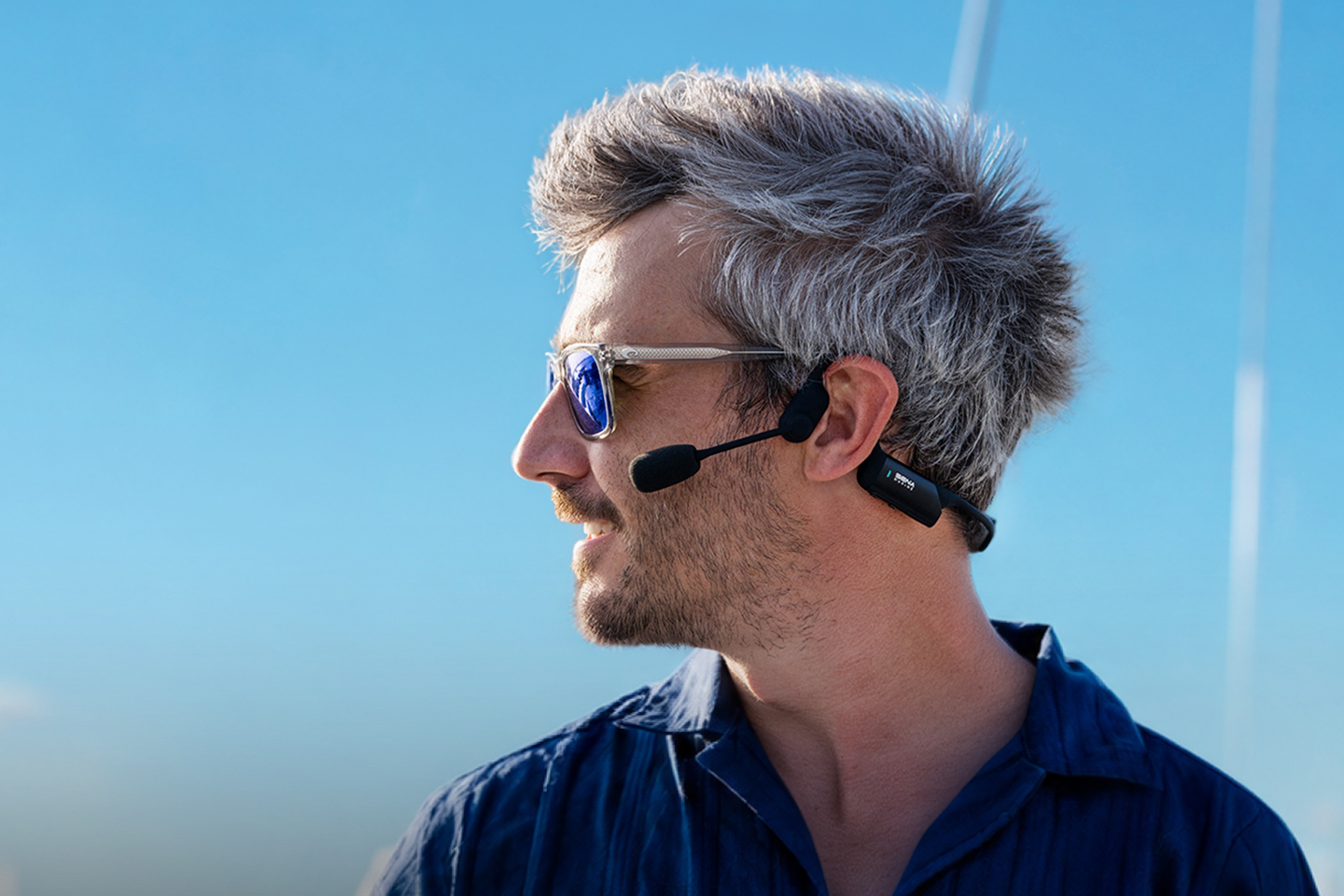
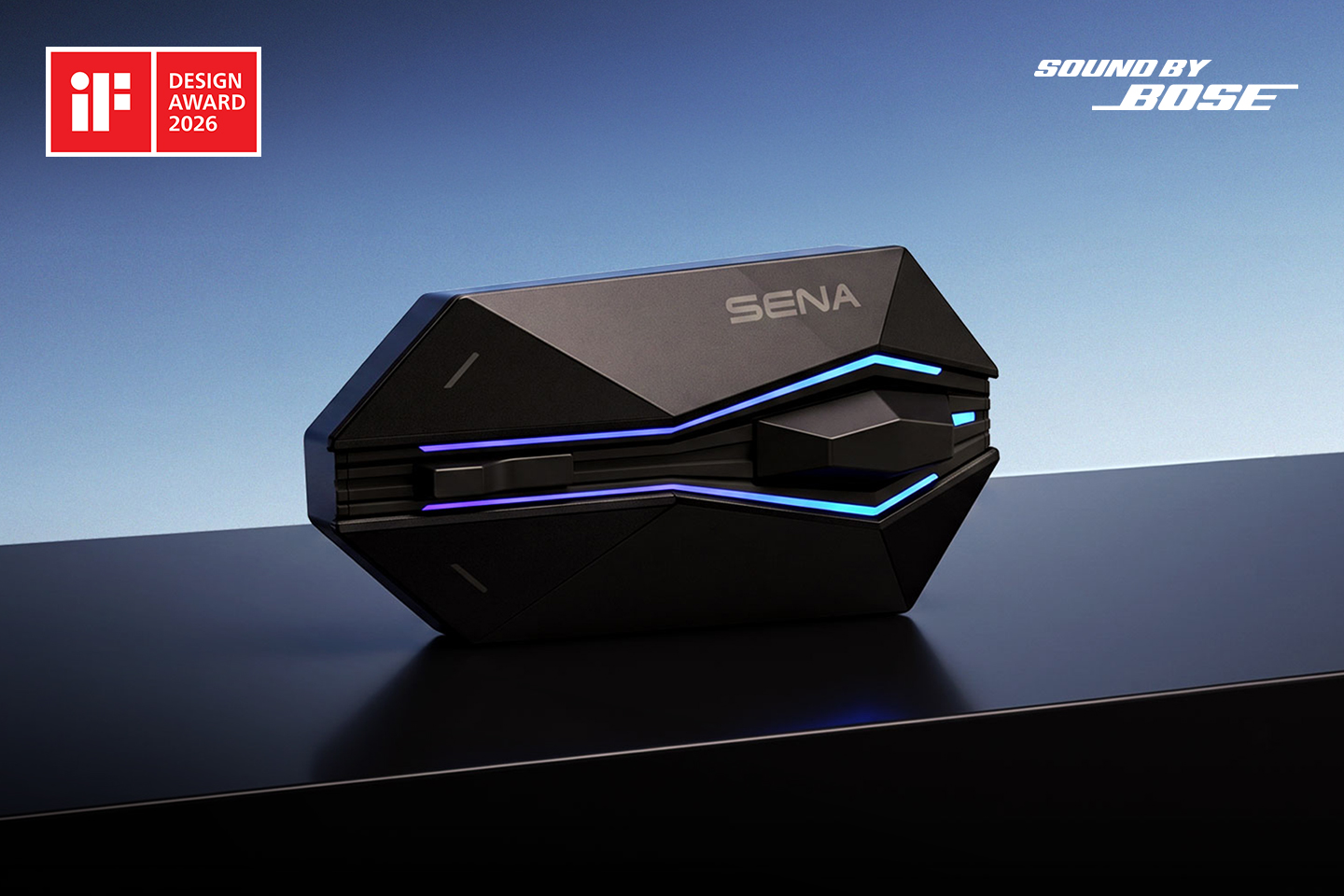
The New Standard in Motorcycle Communication
Built on a revolutionary cellular network-based protocol, Wave Intercom redefines motorcycle group communication.
It eliminates distance and device limitations, overcoming traditional intercom systems with seamless connectivity.
Even when you’re riding solo in remote areas, it keeps you connected with your riding buddy working back at the office or your family waiting at home.

- Geo-Based Intercom
- Friends Wave
- Cross-Brand Compatibility
- Wave-to-Mesh Conversion
- Real-Time Location
-
Simplicity Meets Innovation
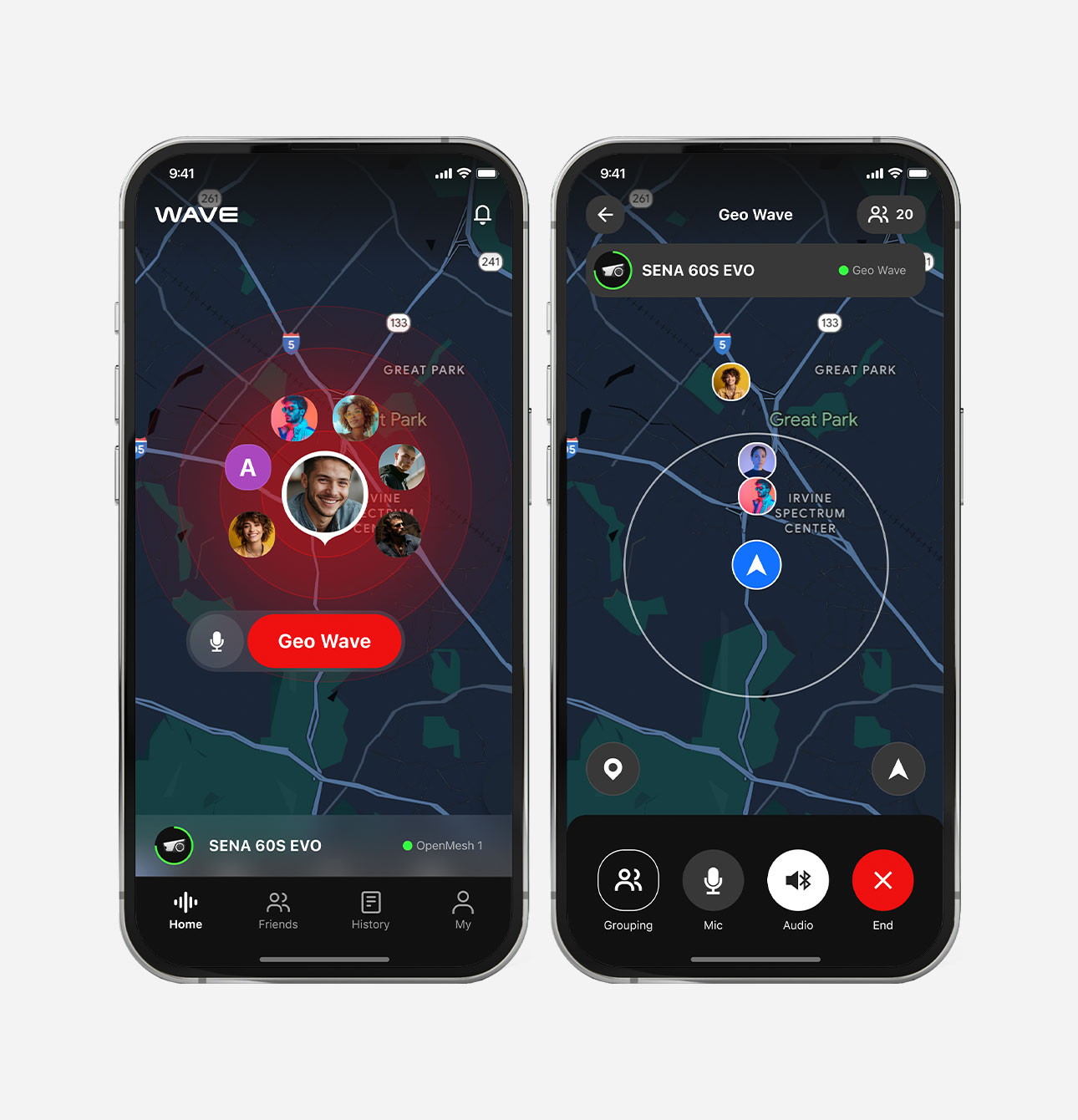
Geo-Based Intercom guarantees instant, effortless communication that removes all barriers. A double-tap on the Mesh Intercom button instantly connects Sena users to nearby riders in the Wave Zone (1-mile radius in North America, 1.6-km radius in Europe), while Non-Sena users can also join with the Geo Wave button in the app.
-
Exclusive Talk with Your Friends
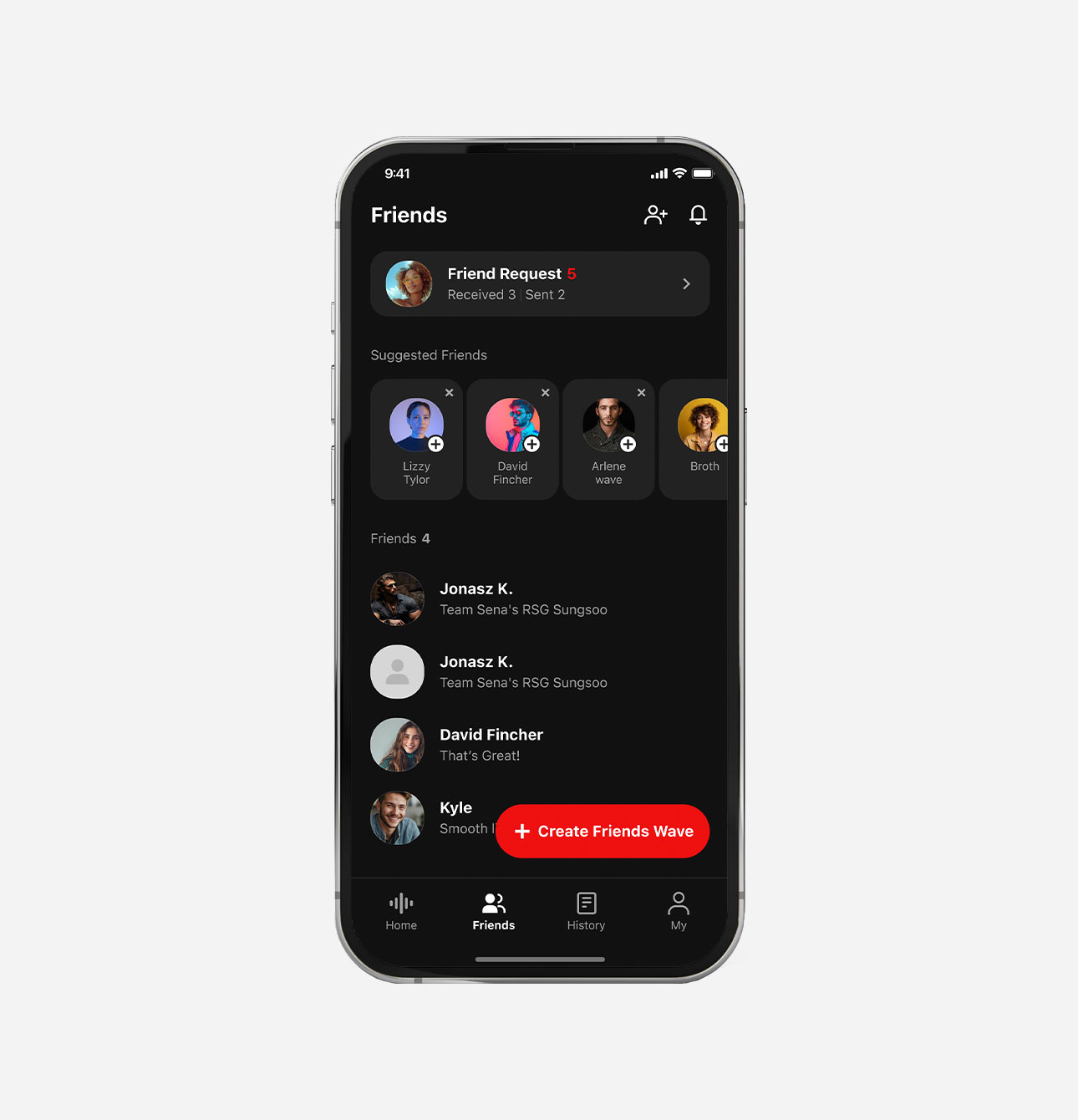
Once added, you'll stay connected with your riding friends—no matter how far apart. Friends Wave keeps your conversation private by creating intercom groups with selected friends. It connects everyone with cellular network coverage, allowing secure connections.
-
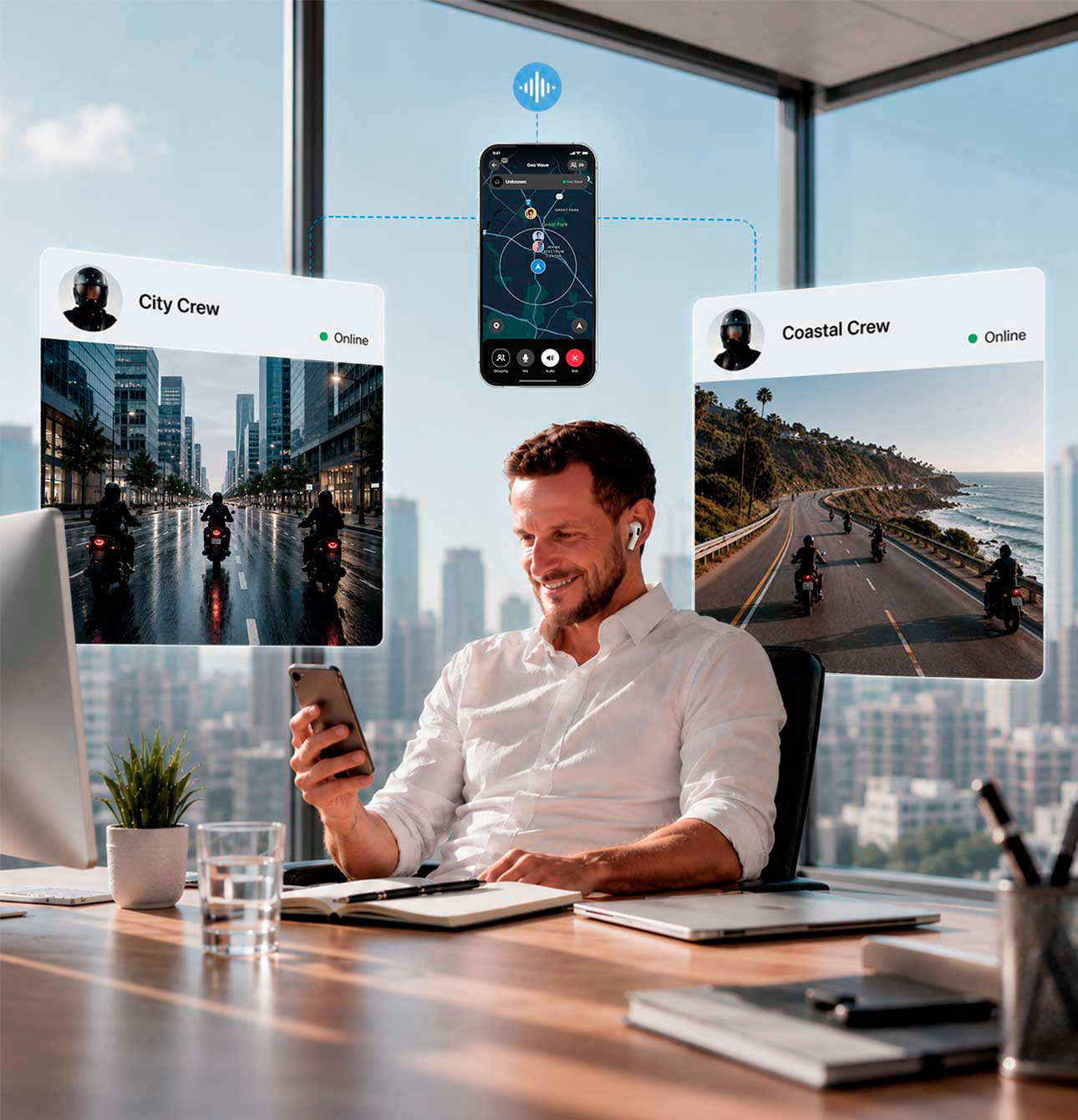
No Boundaries Across Devices
Wave Intercom redefines connectivity with unparalleled cross-brand compatibility.
Simply download the Wave Intercom app and tap the screen to begin. No matter the devices you use, stay in touch with your group. -
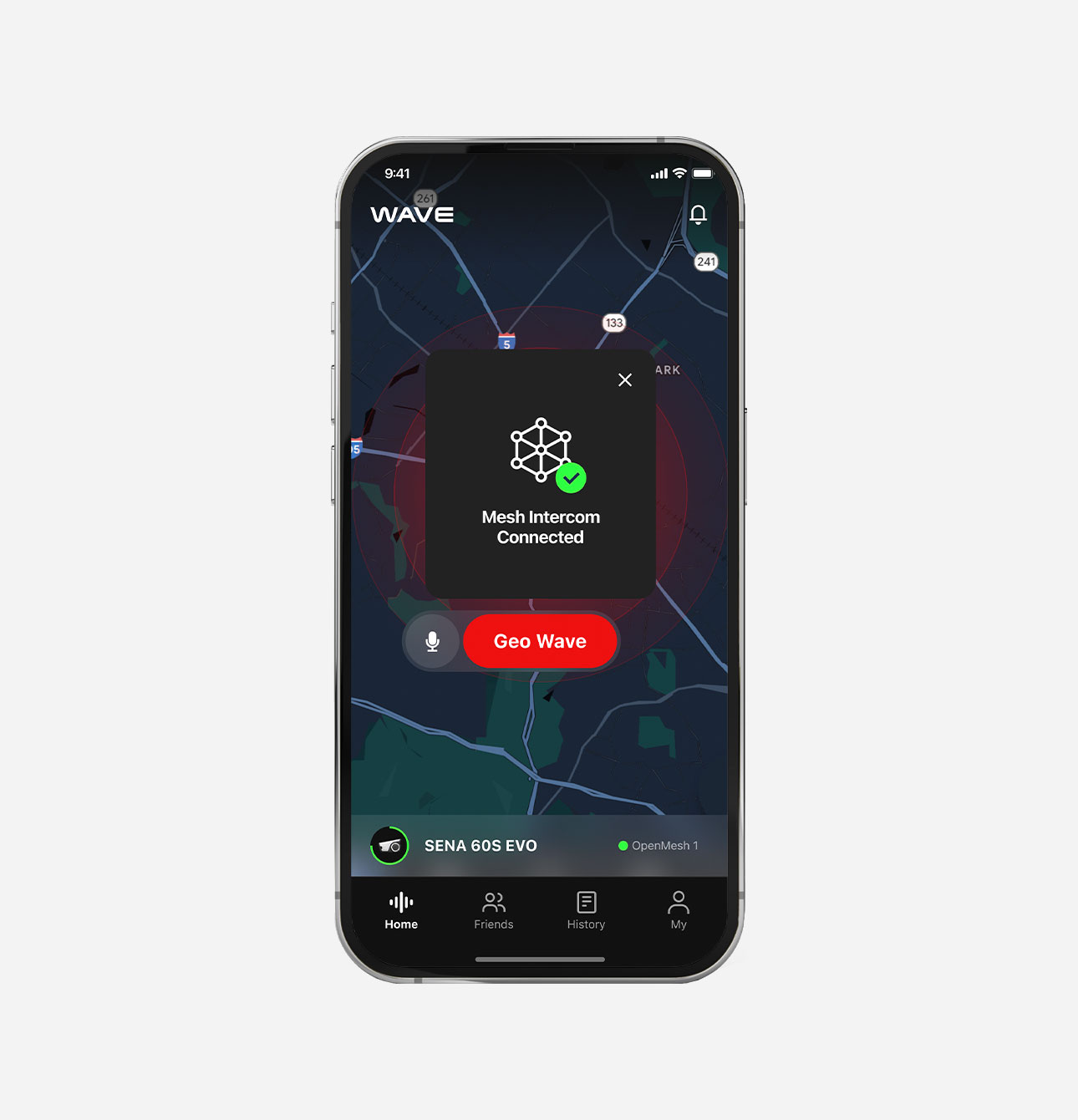
Smart Mesh Backup
For stable communication, the Wave server seamlessly switches all participants to the same Mesh Intercom channel when cellular network is unavailable. Once the network is restored, participants are notified to switch back.
-
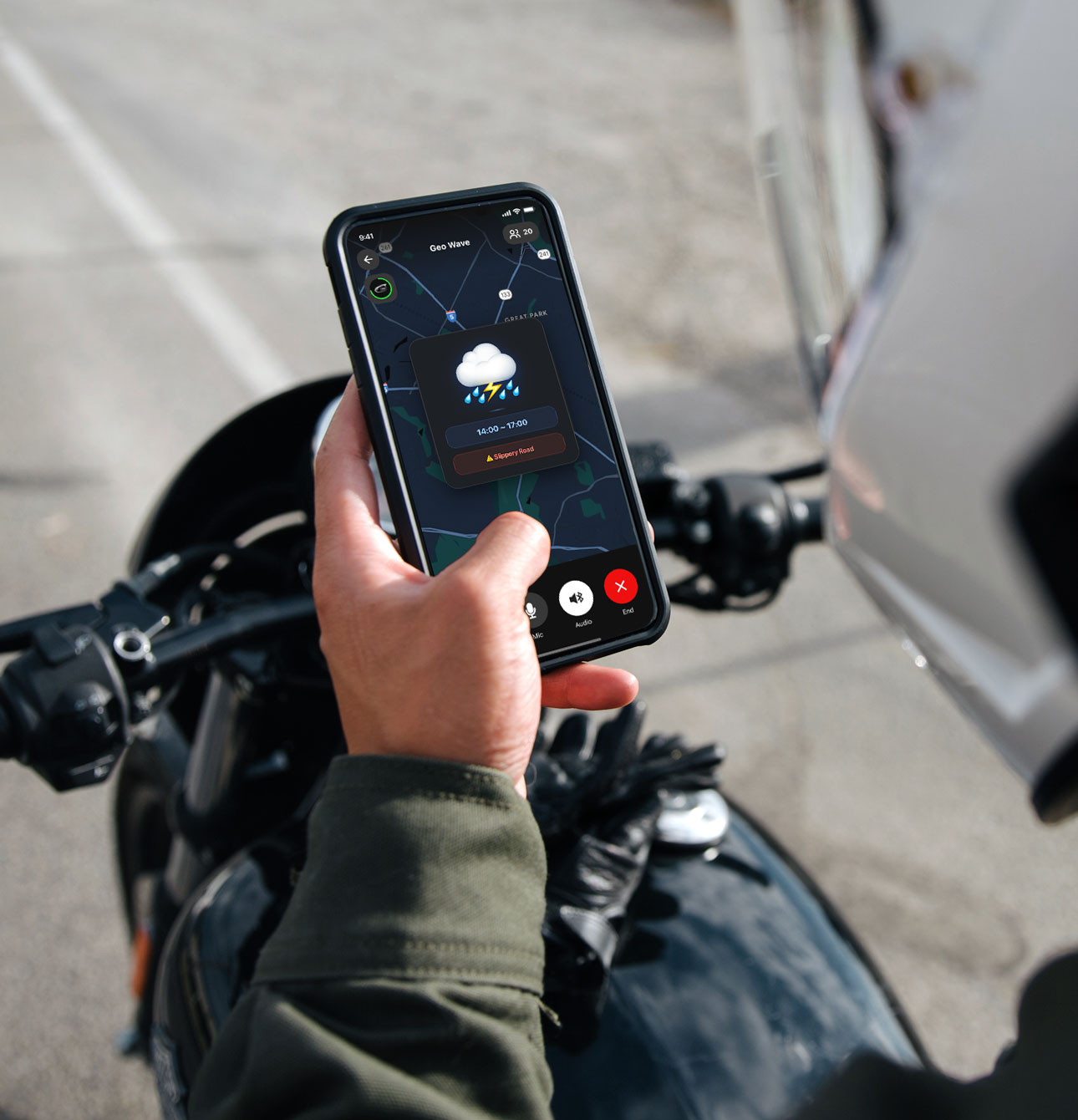
Real-Time Maps & Weather Alerts
Live Location Display shows your friends' real-time locations on the Wave Intercom app map, ensuring your group ride is organized and secure.
For rider safety, it also provides location-based voice notifications for current or forecasted rain and snow.
Data-Friendly Connectivity
Compare Wave Intercom’s ultra-efficient data usage to popular streaming services like YouTube and Spotify.
It offers crystal-clear connectivity without taxing your data plan—perfect for riding connected anytime, anywhere.
Wave Intercom Data Usage in Megabytes
| Hours | Wave Intercom | Spotify (SD Audio)* | YouTube (480P)* |
|---|---|---|---|
| 1 | 9 | 42 | 500 |
| 5 | 45 | 210 | 2500 |
| 10 | 90 | 420 | 5000 |
| 24 | 216 | 1008 | 12000 |
* Reference: https://www.betterroaming.com
Disclaimer: Data figures are estimates, actual usage rates may vary.
Sena optimizes network usage with advanced traffic prioritization, ensuring Wave Intercom communication remains smooth and uninterrupted even in areas with heavy cellular network activity. This guarantees optimized bandwidth and low latency for consistent, real-time communication.
How to Start Geo Wave
-
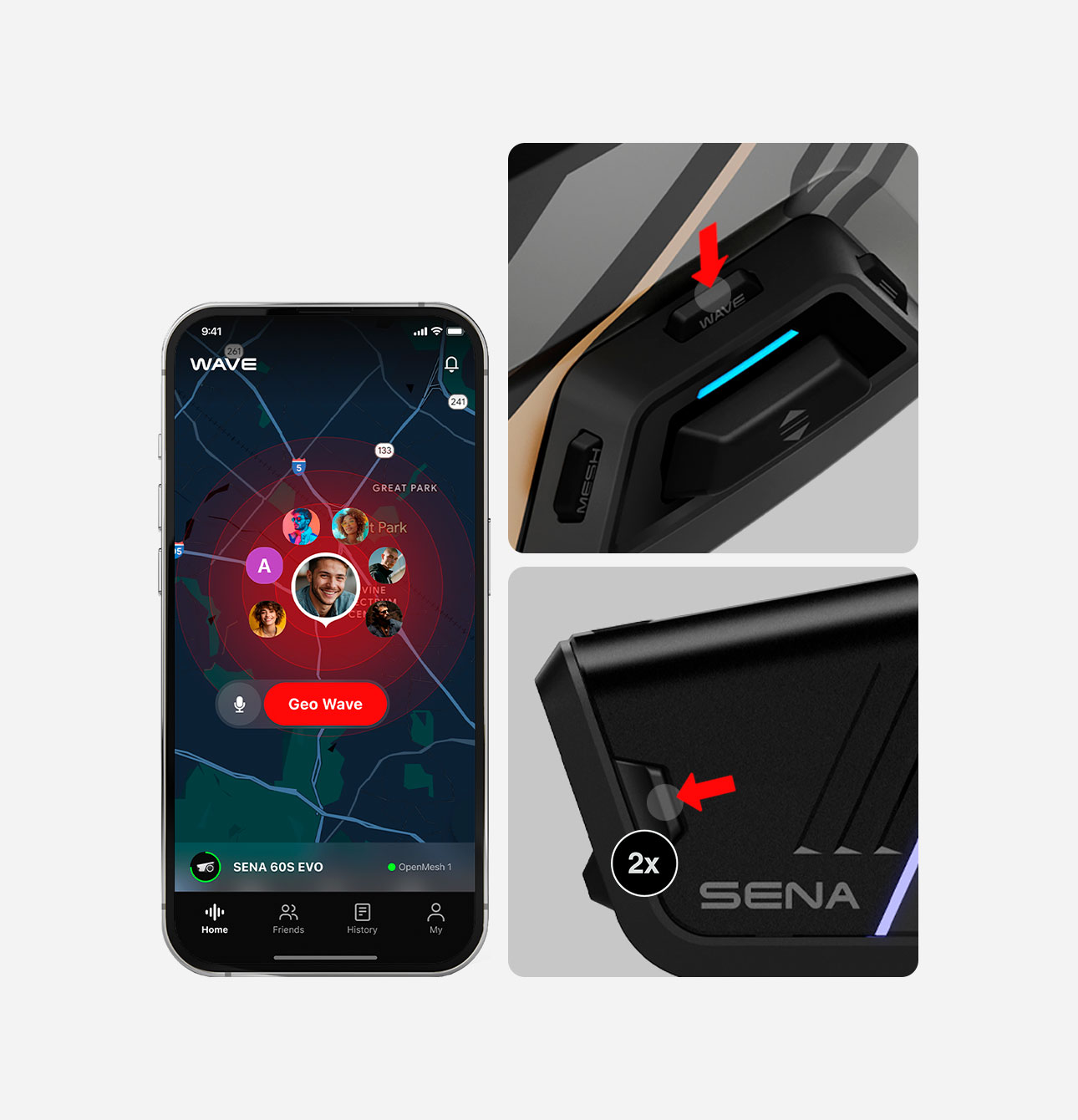
Tap the Wave Intercom button on your compatible Sena device. If your device doesn't have the button, double-tap the Mesh Intercom button.
Note:
- To control with device buttons, the Wave Intercom app must be running in the background
- Even without a Sena device, you can still join using the app.
-
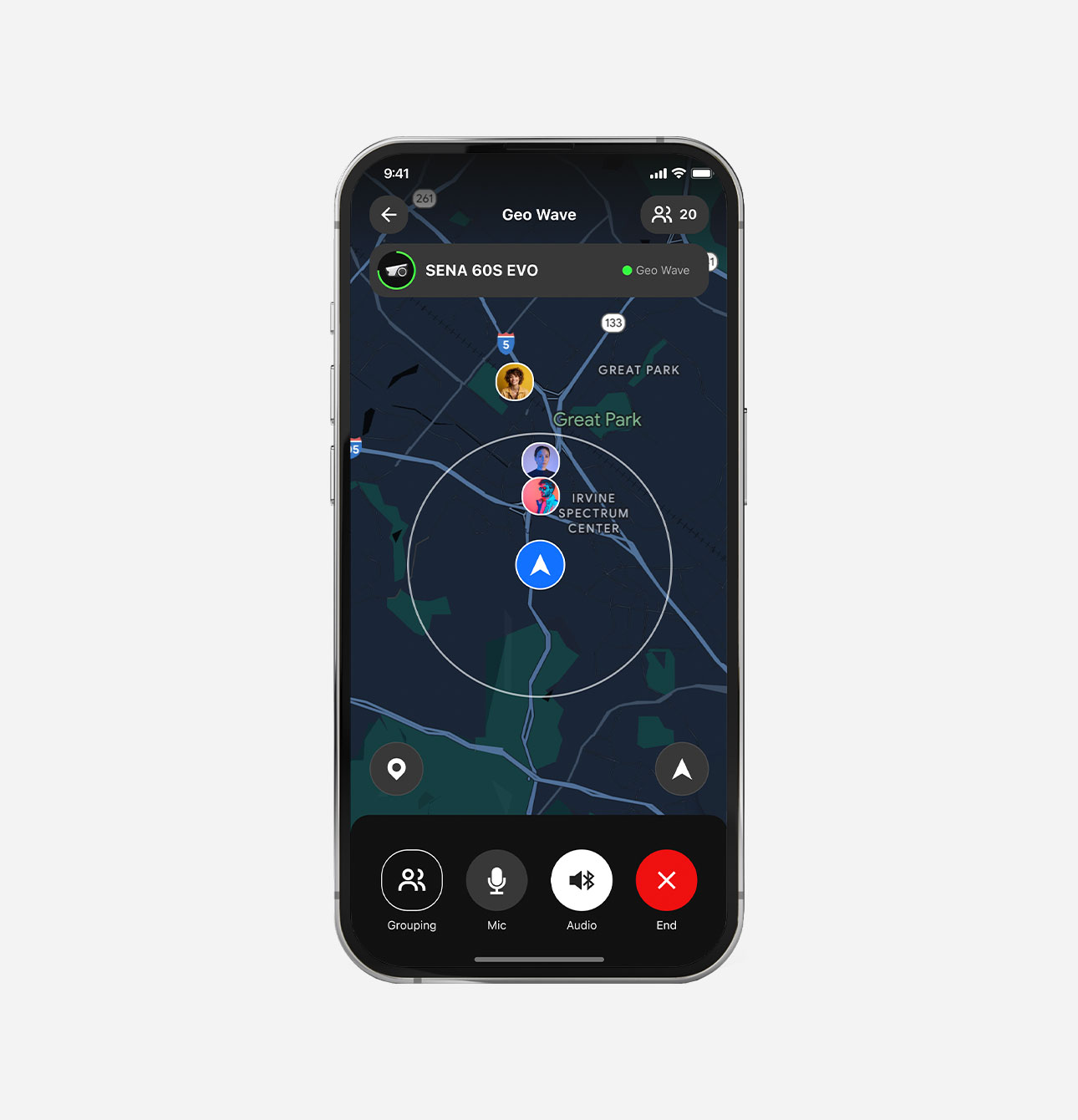
When the map appears, start talking to anyone.
How to Start Friends Wave
-
Go to the Friends tab.
Tap the Create Friends Wave button.
-
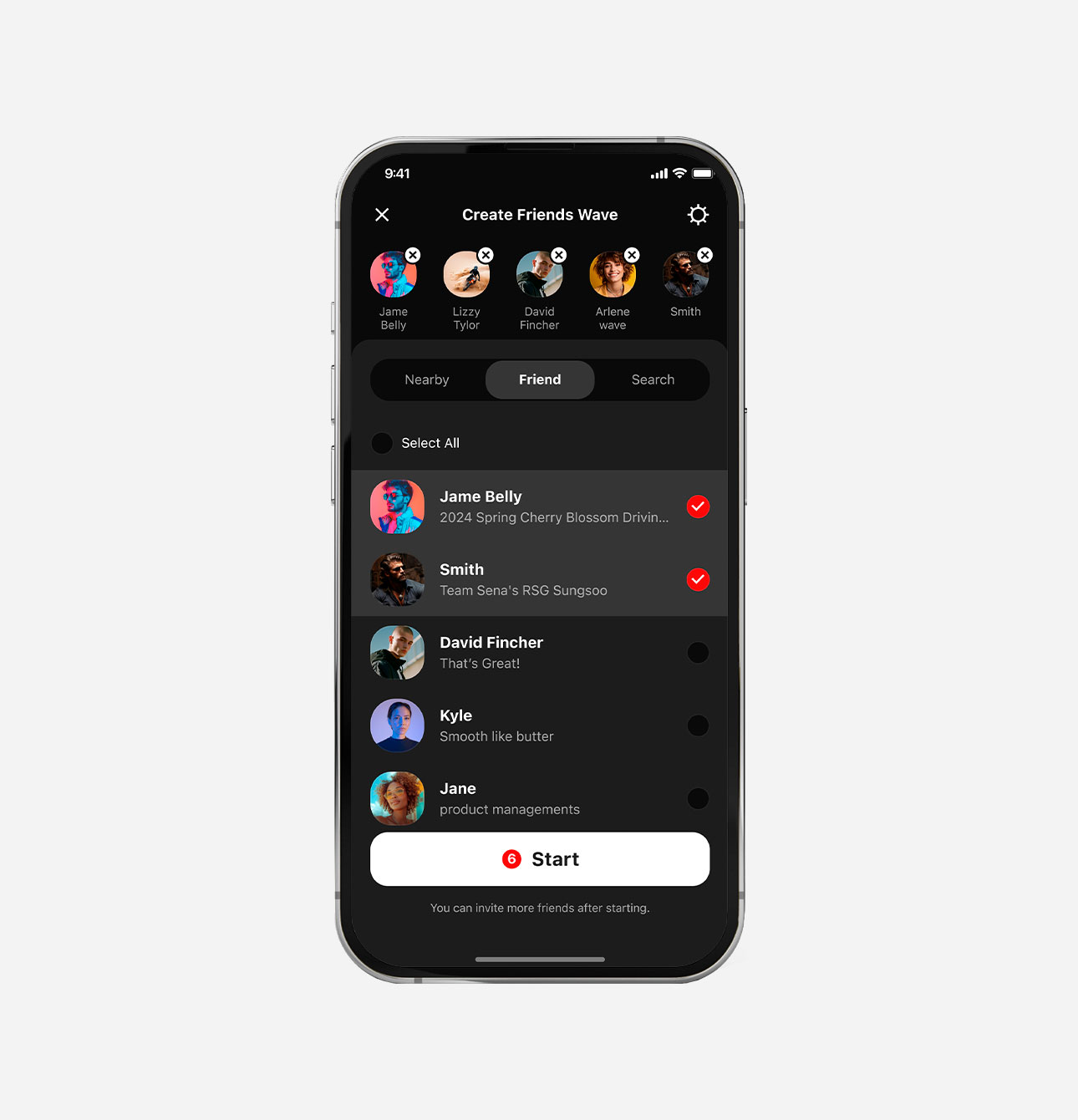
Select the people you want to chat with.
Tap the Start button.
Download the user guide for detailed instructions.
User Guide
Video Tutorials

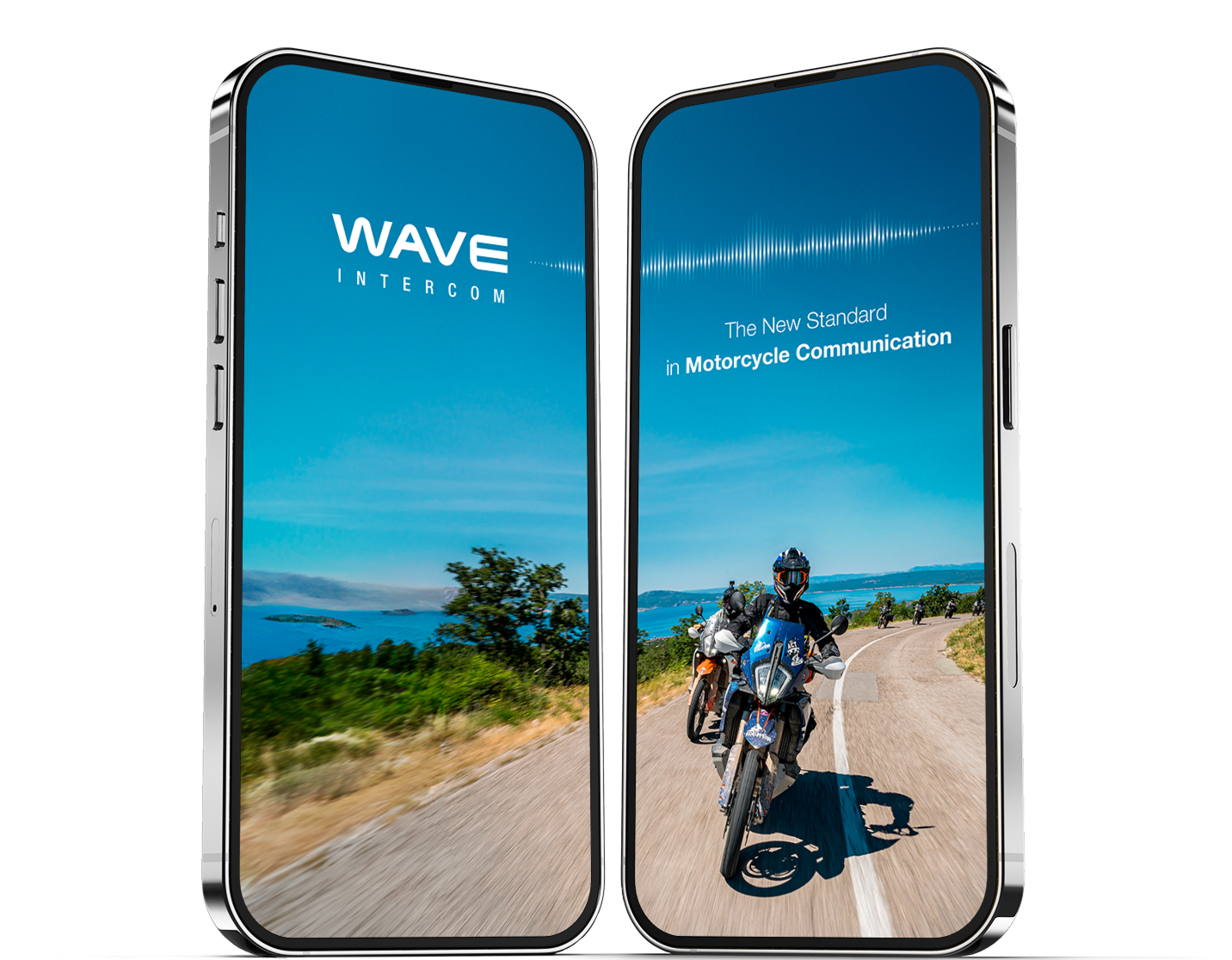

Ready for adventure with Wave App
Download the Wave Intercom app for free from the Apple App Store or Google Play.